Money Manager Ex review — a hands-on look at v1.9.2

What it is really like to run your household finances in the free, open-source MMEX: the good, the dated and who it actually suits.

Independent editorial review · free & open source (GPL v2)

Money Manager Ex review in one line: it is a free, open-source finance app that does the core jobs well and keeps your data private, provided you are happy to enter or import transactions yourself. This is an independent editorial write-up of the v1.9.2 release, released 20 January 2026, based on setting it up and living with it for everyday budgeting.

What it is

MMEX is a desktop personal-finance manager built with wxWidgets and backed by a single SQLite data file. It runs on Windows, macOS and Linux, with separate Android and iOS companion apps. It is not a bank aggregator: it does not log into your accounts and pull transactions automatically. Instead you type entries in or import a QIF/CSV file from your bank, which is the central thing to understand before choosing it.
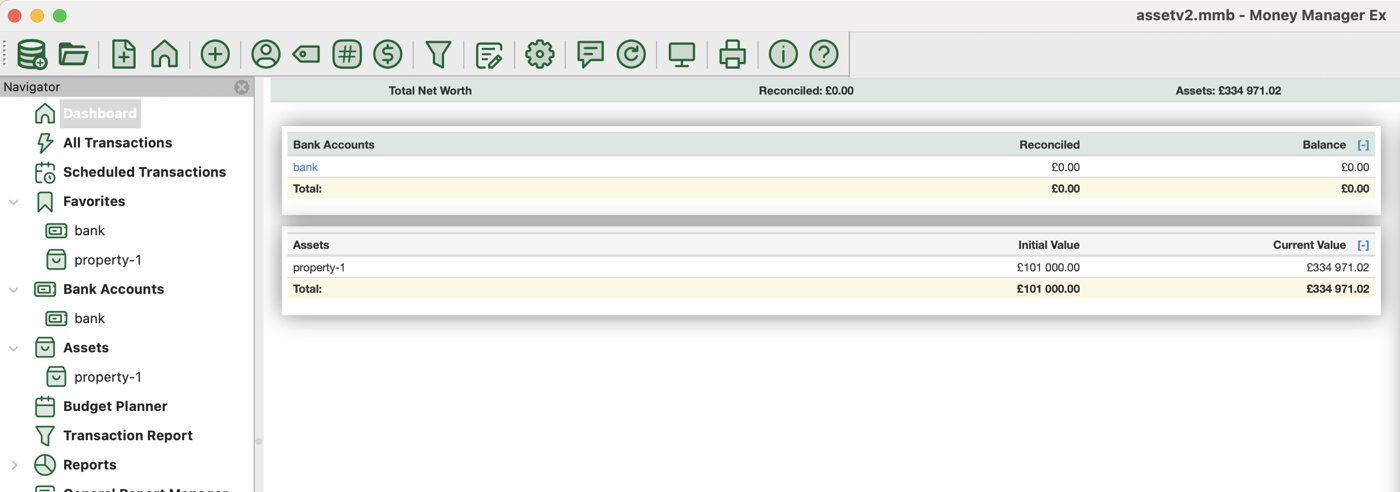
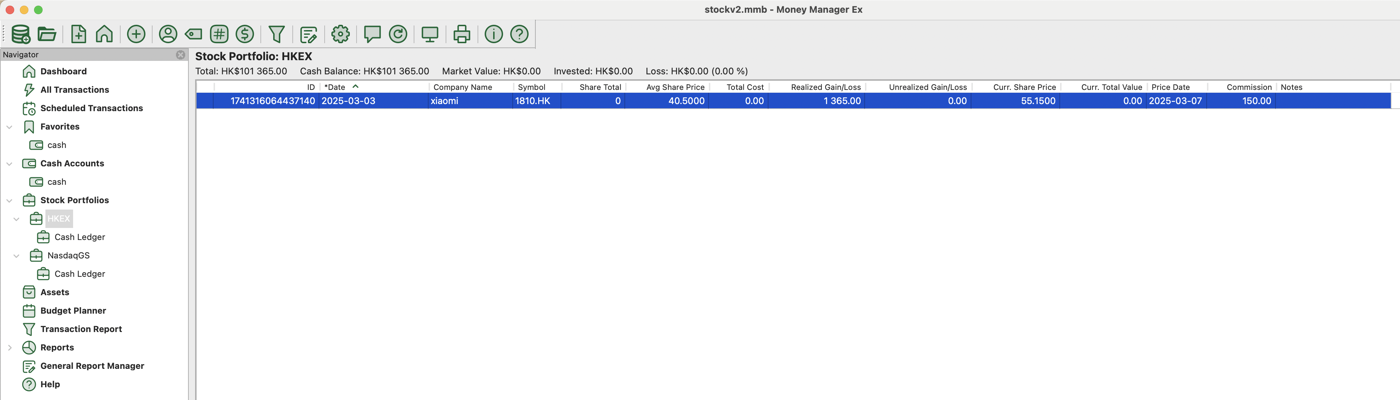
Money Manager Ex account list showing balances across checking, savings and credit-card accounts
The account overview: all balances and net worth on one screen.
Money Manager Ex reports view with a category spending pie chart and cash-flow graph
Reports: category breakdowns and cash-flow graphs from your own data.

Setup and first impression

Installation is quick — a standard installer on Windows, a drag-to-Applications .dmg on macOS, and a .deb or Flatpak on Linux. On first launch a wizard helps you create the database file and your first account. The interface is plain and functional: menus, tables and a left-hand navigation tree. It looks utilitarian rather than modern, but everything is where you expect it and nothing hides behind unnecessary animation.

Day-to-day use

Entering transactions is fast once payees and categories exist, and splits handle mixed receipts cleanly. Scheduled transactions take care of recurring bills, so after the first couple of weeks the daily effort is small. Importing a bank CSV works, though you often map columns and tidy categories the first time for each bank. Because there is no automatic sync, staying current is a habit you build rather than something that happens on its own.

Reports and budgeting

The built-in reports cover cash flow, income versus expenses and category breakdowns, with clear charts. Budgets are set per category and compared against actual spending. Power users can write custom SQL in the General Report designer, which is genuinely flexible but has a learning curve — the default reports are enough for most people, and the SQL is there when you outgrow them.

Pros and cons

Pros

  • Completely free and open source (GPL v2), no ads and no account
  • Data stays in one local file you can encrypt with AES-256
  • Runs on Windows, macOS and Linux, plus mobile companions
  • Multi-currency, splits, budgets and investment records included
  • Portable mode and easy one-file backup

Cons

  • No automatic bank sync — entry is manual or via QIF/CSV import
  • Interface looks dated next to modern commercial apps
  • Custom SQL reports need some learning to use fully
  • Mobile sync relies on your own cloud folder, not a built-in service

Who it is for

MMEX fits people who want full control of their financial data, do not want a subscription, and are comfortable doing a little manual entry or importing files. It is a good match for privacy-conscious users, Linux users, and anyone tracking multiple currencies. If you need hands-off automatic bank feeds, our MMEX vs Quicken comparison explains the trade-off, since that is where a paid tool pulls ahead.

Verdict

For a free tool, Money Manager Ex punches well above its price. The lack of automatic bank sync and the dated look are real drawbacks, but the core budgeting, reporting and privacy are solid, and nothing about it feels crippled to push a paid upgrade — there isn't one. If manual or file-based entry does not put you off, it is one of the most capable free finance managers available. You can download v1.9.2 and try it, or read the full feature list first.

Review FAQ

Is Money Manager Ex safe to use?
Yes. It is open-source software with the code published on GitHub, it stores data locally, and it can encrypt the data file with AES-256. There are no ads and no account.
What is the biggest limitation?
The absence of automatic bank connections. You add transactions manually or by importing a QIF/CSV file, which is more private but takes a little regular effort.
Does it look modern?
Not especially. The interface is clear and functional but visually dated compared with subscription apps. That is a fair trade for free, open-source software that stays out of your way.
How do I get it?
Download the free v1.9.2 build from the download page. See the features guide for the full capability list.